Packs
Patchies starts with a few objects enabled by default. Packs let you enable more — grouping related objects and presets by use case so you only see what's relevant to your work.
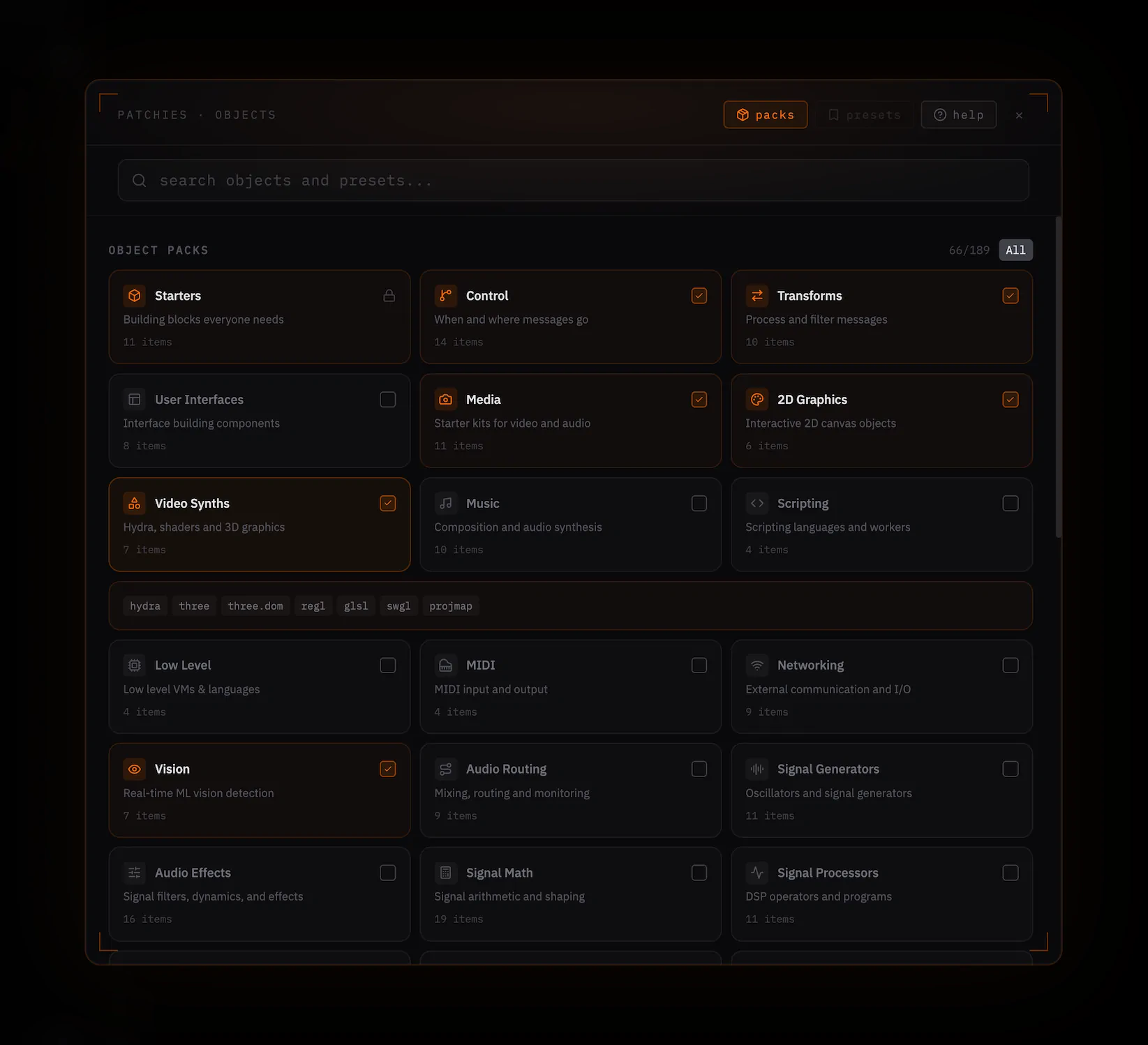
Accessing Packs
Open the object browser (Ctrl/Cmd + O) and click the packs chip in the top-right corner. This opens the packs panel inline, showing both object packs and preset packs. You can also reach it from the sidebar via the Packs tab.
Object Packs
Object packs are curated groups of related objects organized by use case. Enabling a pack adds those objects to the object browser and quick-insert menu.
Preset Packs
Preset packs are collections of pre-configured presets grouped by use case. Each preset is a ready-to-use object with code already written for common tasks.
Note: To use a preset, its required object pack must be enabled. A warning indicator will appear with a one-click fix to enable the missing pack.
Tips
- Search filters both object and preset packs by name, description, or contained objects
- Press All to enable every pack in a section; Reset to return to defaults
- If you search for a disabled object in the browser, a suggestion will appear to enable the relevant pack directly