Modifying Objects
Select, move, copy, delete, and edit the objects in a patch.
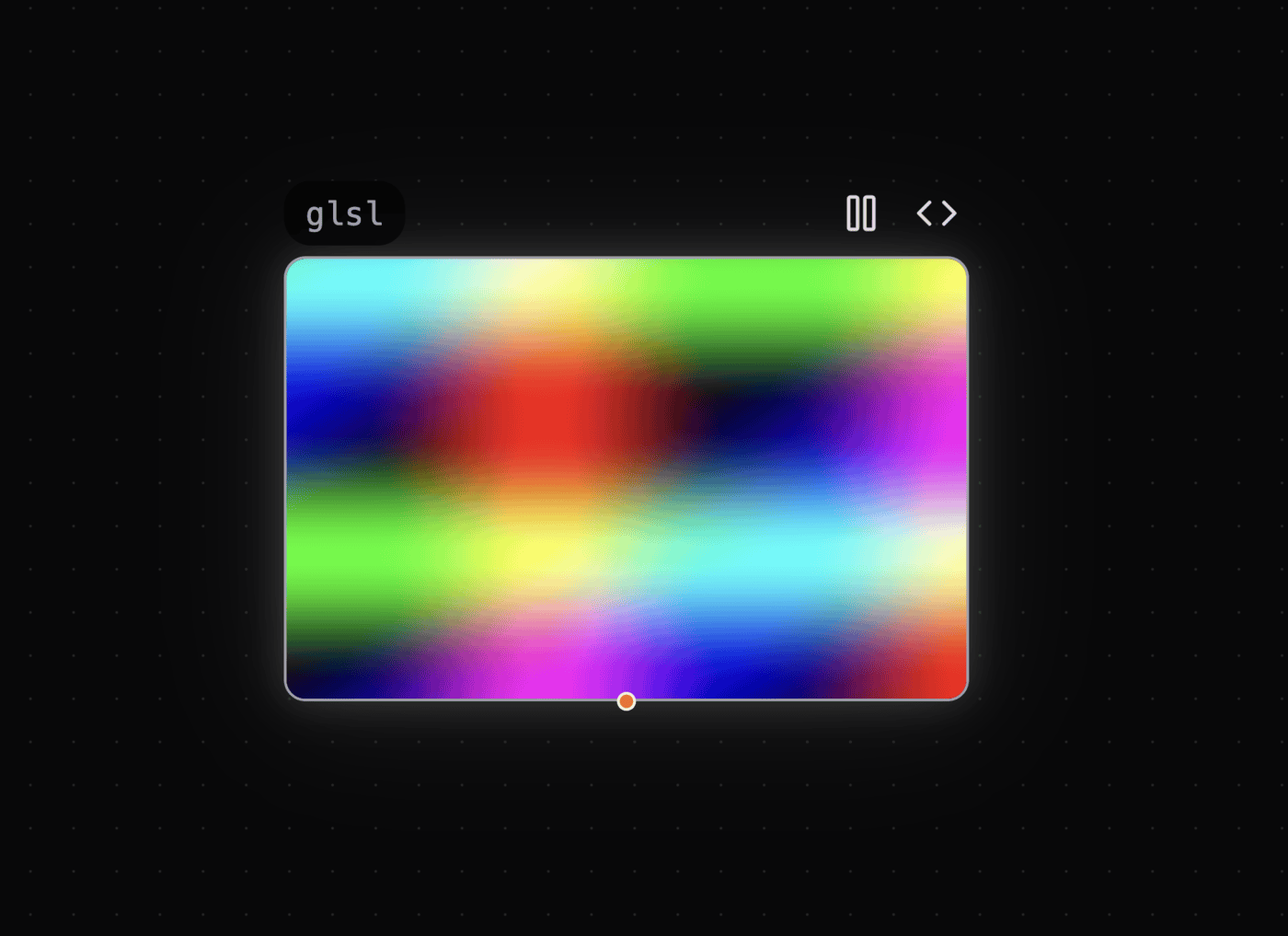
The outline color shows which object is selected.
Select and Move Objects
- Click an object to select it. The outline color changes.
- Drag the selected object to change its position.
- If an object does not move, drag its title at the top left.
- Press
Delete/Backspaceto delete the selected object. - Press
Ctrl/Cmd + C/Vto copy and paste the selected object. You can also use the copy/paste button.
Editing Code
Move the pointer over an object to show icon buttons at the top right. The buttons include Edit Code and Play/Stop.
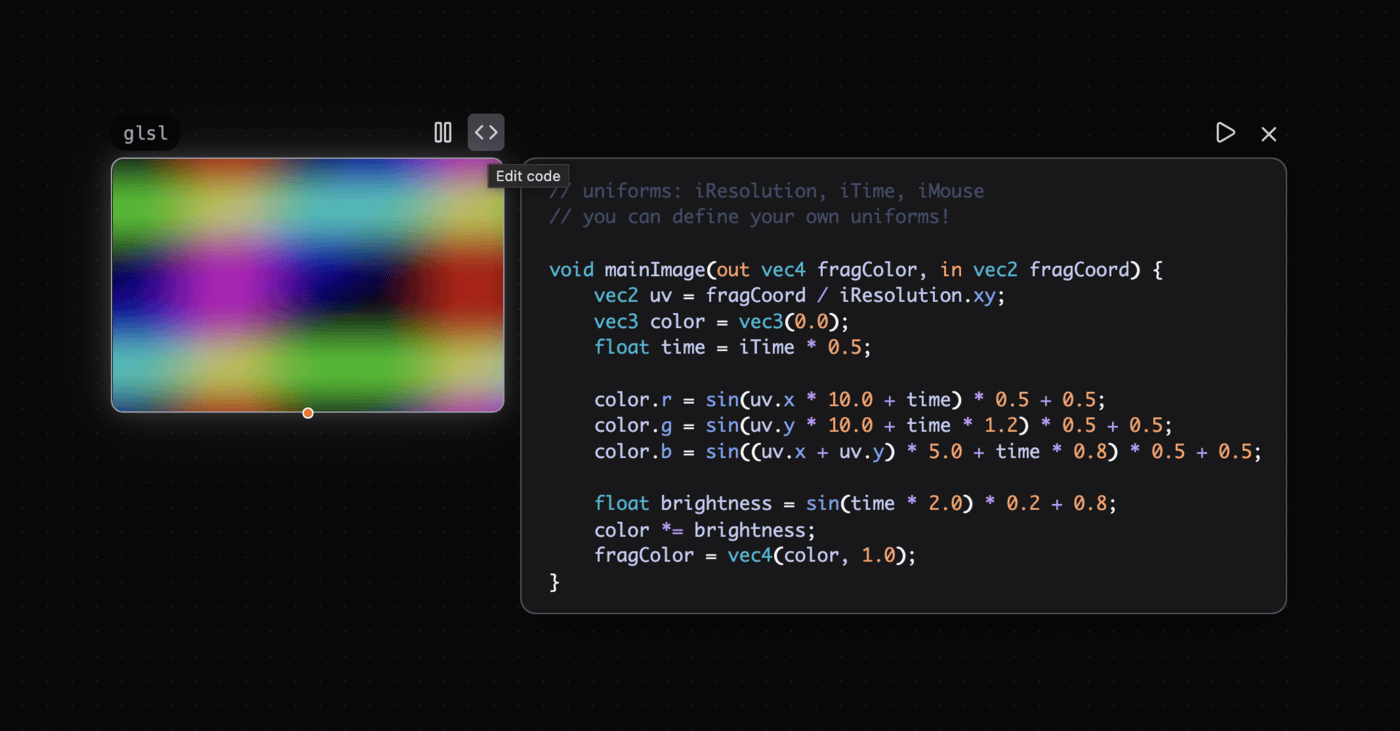
Use these controls to edit or run the object code.
- Click the
Edit Codeicon button to open the code editor. - In the code editor, press
Shift + Enterto run the code again. - Check the result after you change the code.
See Also
- Adding Objects — Add an object to a patch.
- Shortcuts — Use keyboard shortcuts in Patchies.