Presets
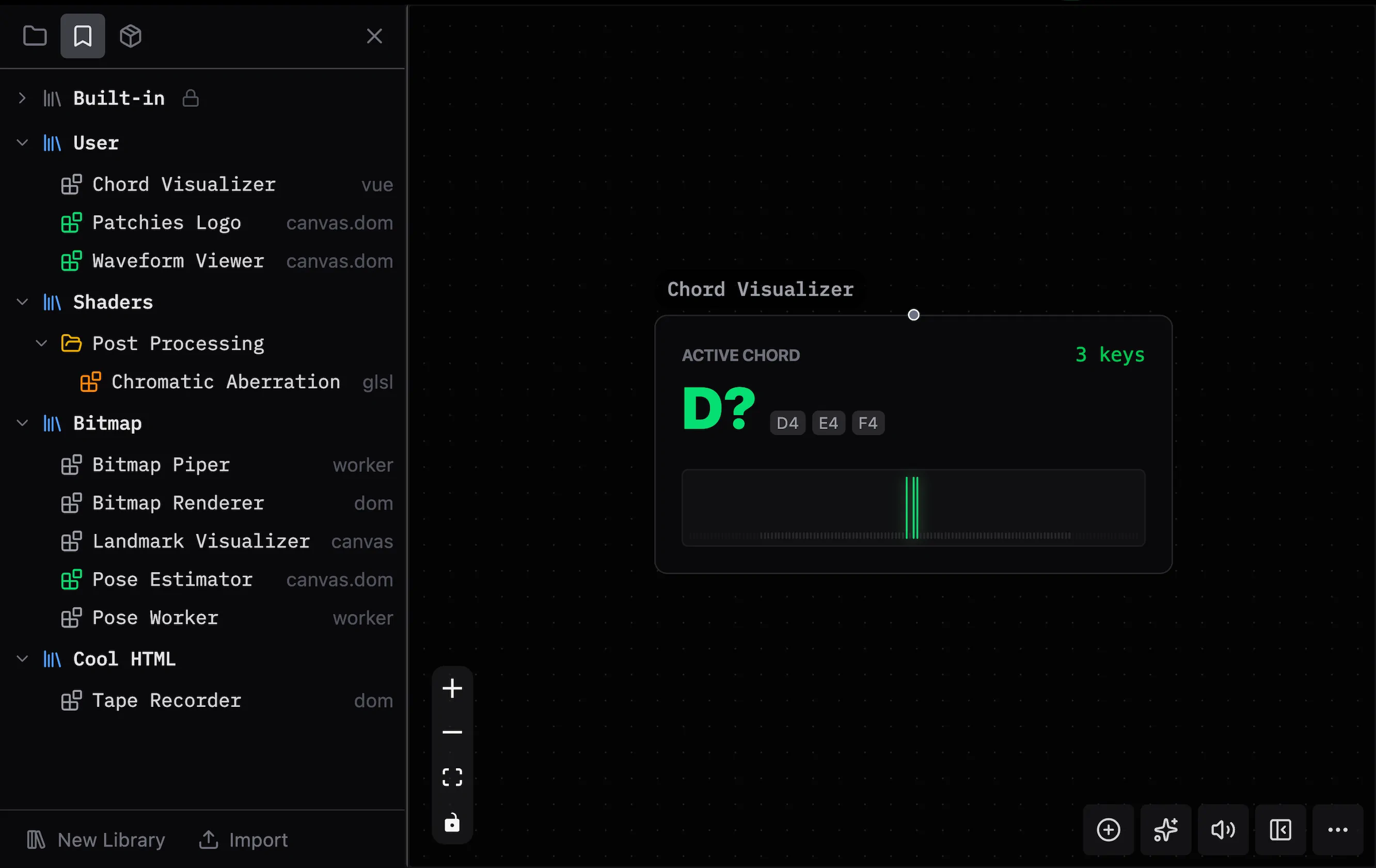
The Presets sidebar lists your saved presets.
Presets store object settings that you can reuse in other patches.
Opening the Presets Panel
Use Ctrl/Cmd + B > Presets to browse and manage presets.
Saving Presets
- Select an object on the canvas.
- Open the overflow menu (
...) in the bottom toolbar. - Select Save as Preset.
Organization
Libraries organize presets. You can filter presets by category.
Custom Libraries
Create a library to organize your presets:
- Import or export a library as a file to share it.
- Use folders to organize presets by category or project.
Built-in Preset Packs
Patchies includes preset packs with objects for utilities, effects, and visualizations.
See Also
- Packs — Install and manage preset packs.
- Adding Objects — Add objects to a patch.