Files
The Files panel lets you use virtual and linked files in a patch.
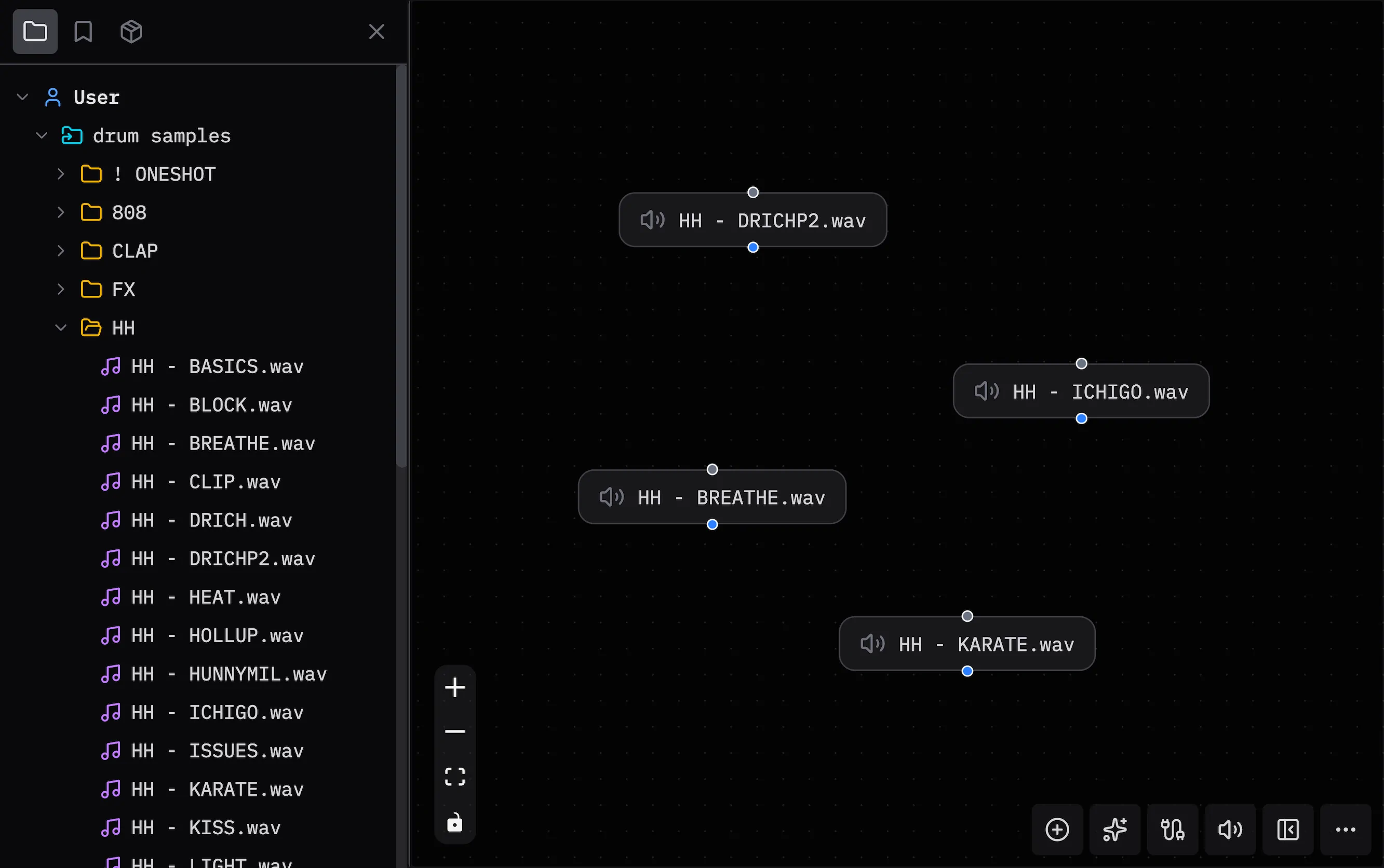
Use the Files panel from the sidebar.
Open the Files Panel
Press Ctrl/Cmd + B > Files.
Add Files
Add files in one of two ways:
- Drop into the file tree: Drag files from your system into the Files panel. Patchies adds them as linked files.
- Drop into the patcher: Drag files onto the canvas. Patchies creates virtual files in the patch.
Link Folders
Click the folder icon to link a local folder. Your patch can then read files in that folder.
Use a linked folder to load images, audio samples, or data files.
Note: You can link folders only in Chromium browsers.
Virtual Files
Patchies stores files dropped into the patcher as virtual files. The files stay in the patch when you save or share it.
Click the add link button to store a URL as a virtual file.
Use Files in Code
Use vfs.getUrl() to load files in an object. See Virtual Filesystem for details.
See Also
- Virtual Filesystem — Load files in object code.
- JavaScript Runner — Run JavaScript in an object.
- Saves — Save patches for later use.