Adding Objects
Add objects to the canvas with Quick Add or the Object Browser.
Quick Add
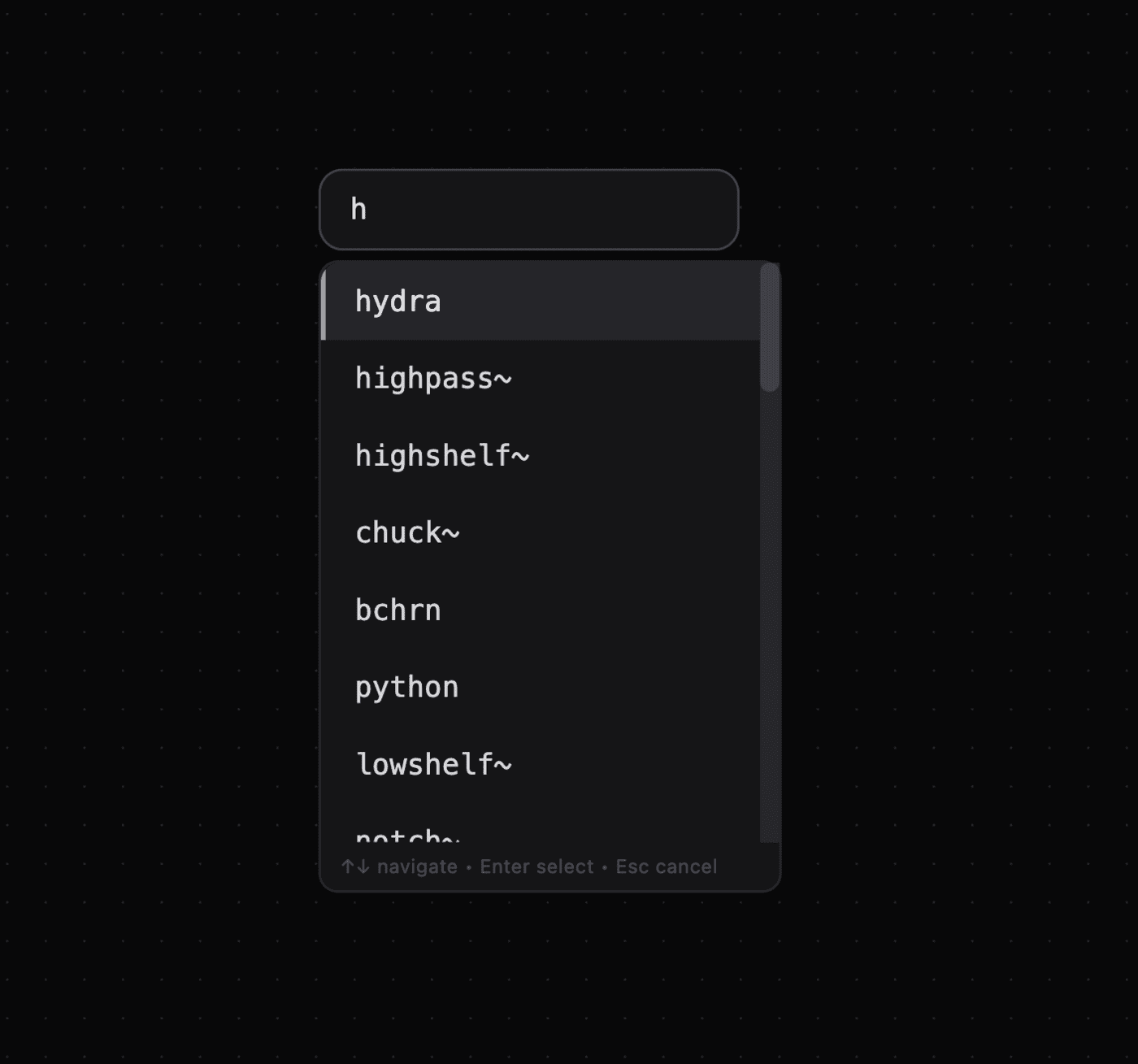
Use Quick Add to search object and preset names.
- Press
Enterto open Quick Add. - Type an object or preset name, such as
button,textbox, orlogger.js. - Use
Arrow Up/Downto move through the list. - Press
Enterto add the selected object. - Press
Escto close Quick Add.
Object Browser
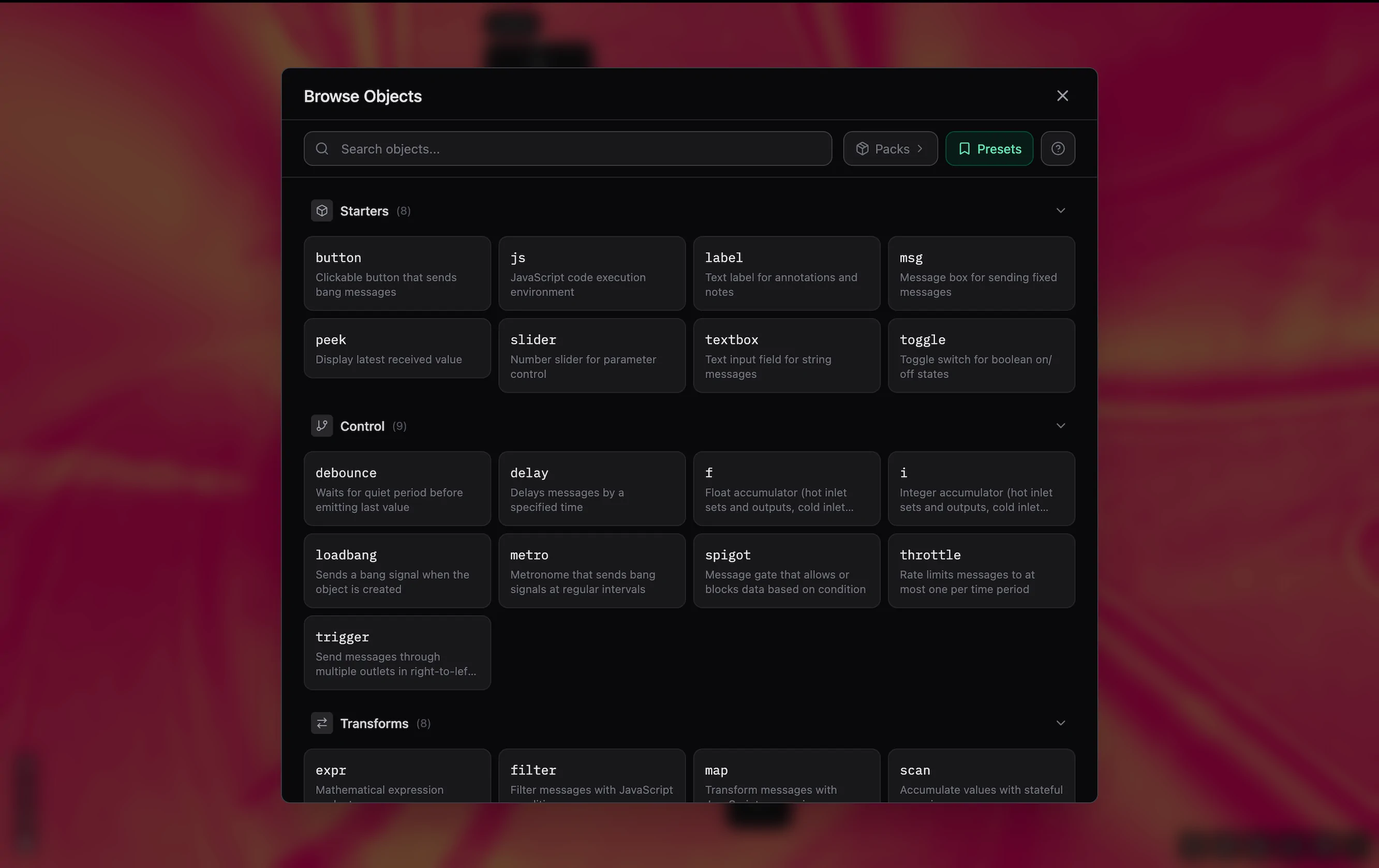
The Object Browser lists objects and presets by pack.
- Press
Ctrl/Cmd + Oor click the add button at the bottom right. - Search object and preset names and descriptions.
- Press Manage collections to enable or disable packs.
- Click an object or preset to add it to the canvas.
- If you search for a disabled object, the browser shows a suggestion to enable its pack.
Presets
Presets are ready-made objects. Manage your presets in the sidebar with Ctrl/Cmd + B > Presets. Drag a preset to the canvas to add it. To create a preset, select an object and choose ... > "Save as Preset".
See Also
- Modifying Objects — Select, move, and edit objects.
- Shortcuts — Use Patchies keyboard shortcuts.
- Connecting Objects — Connect objects in a patch.
- Packs — Enable and manage object packs.