Help
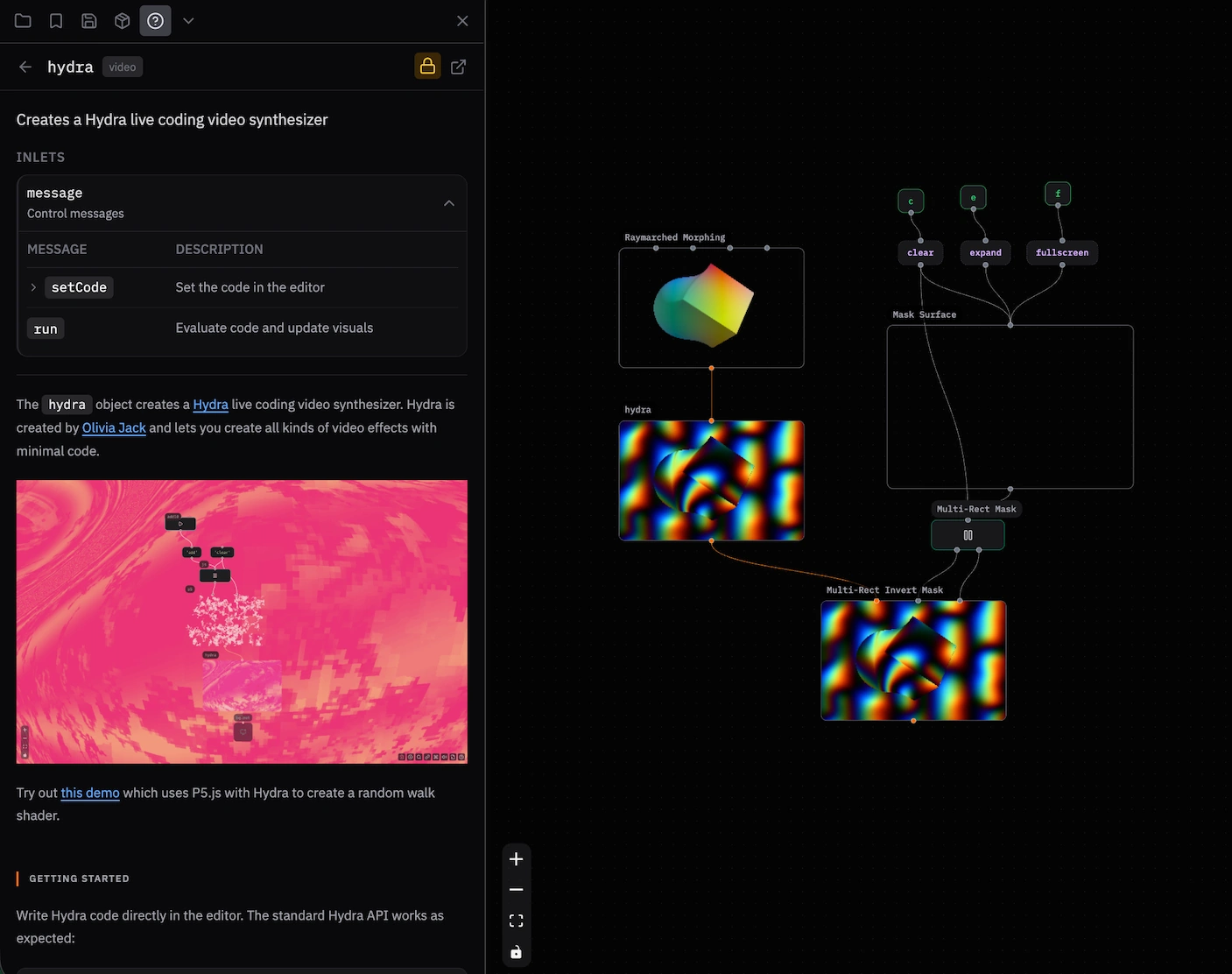
The Help panel gives you a quick reference for each object in your patch.
Opening Help
- Click the ? button in the sidebar, or use
Ctrl/Cmd + B > Help. - Select an object in your patch to see its documentation.
- Use the Object Browser help (
?) button to browse all objects.
What's Shown
- Description — The object function.
- Inlets — The input ports and the messages they accept.
- Outlets — The output ports and the messages they send.
- Usage notes — Tips and examples.
Help Patches
Some objects have interactive help patches. Click Open Help Patch to load an example patch and try it.
Object Browser Help
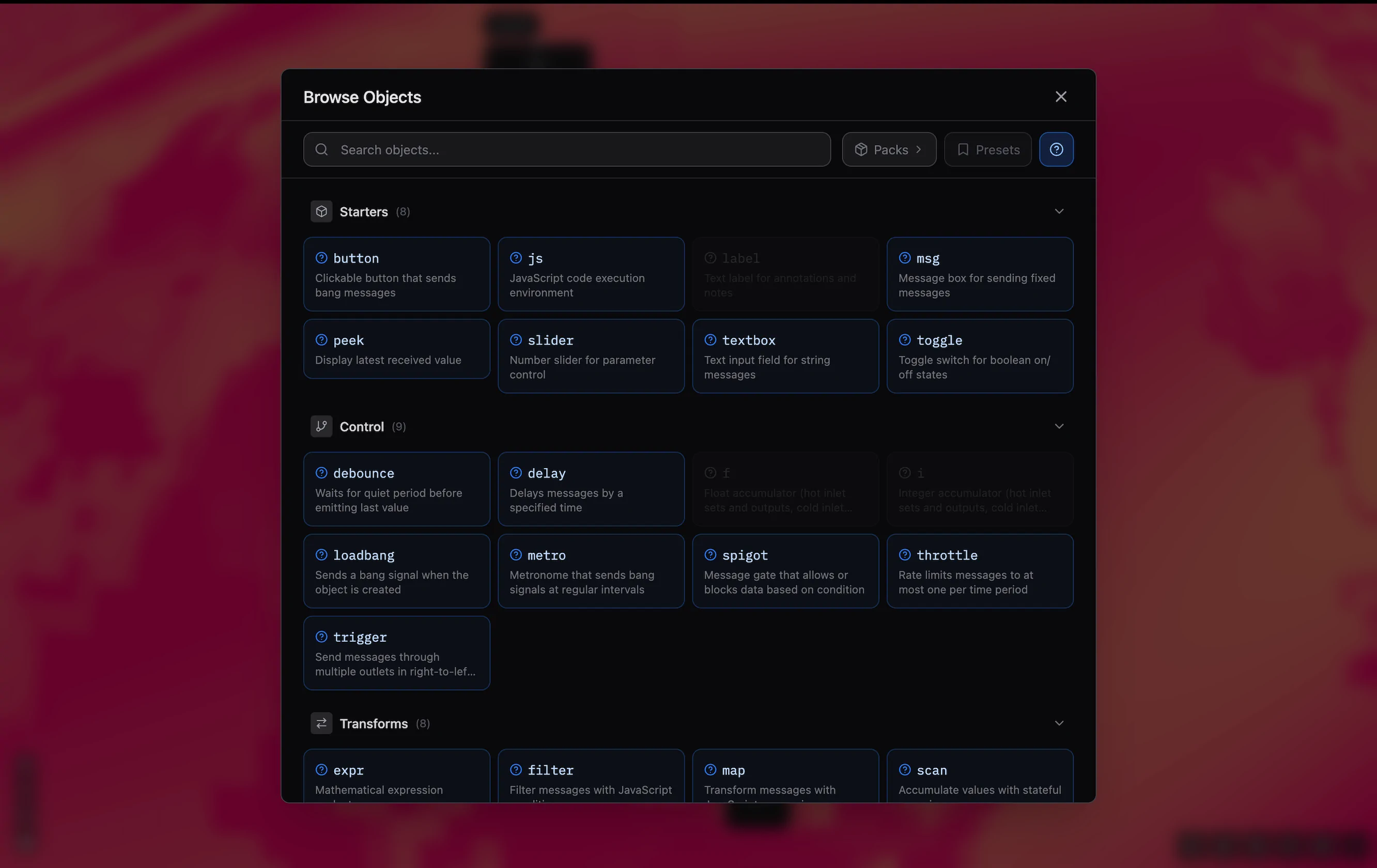
Turn on the ? help toggle to show object documentation in the sidebar. It does not insert an object.
Guides
Use the Guides menu at the top of the Help panel to browse guides without leaving the app.
See Also
- Adding Objects — Add an object to a patch.