Patch to App
Patch to App converts your patch into a standalone HTML application. It reads your objects, connections, and code to create a self-contained app.
Use this dialog to create an app from the current patch.
Use Patch to App
- Press
Ctrl/Cmd + K > Patch to App. - Or, expand the sidebar and select Patch to App.
- If needed, describe the app in the steering prompt, such as "Simple HTML page with sliders, dark theme."
- Choose an option:
- Copy Spec copies the specification for use with another AI tool.
- Generate App generates the app in Patchies.
Refine with AI
Select Refine spec with AI to improve the specification before Patchies generates the app. This can improve the result, but it takes more time.
App Preview
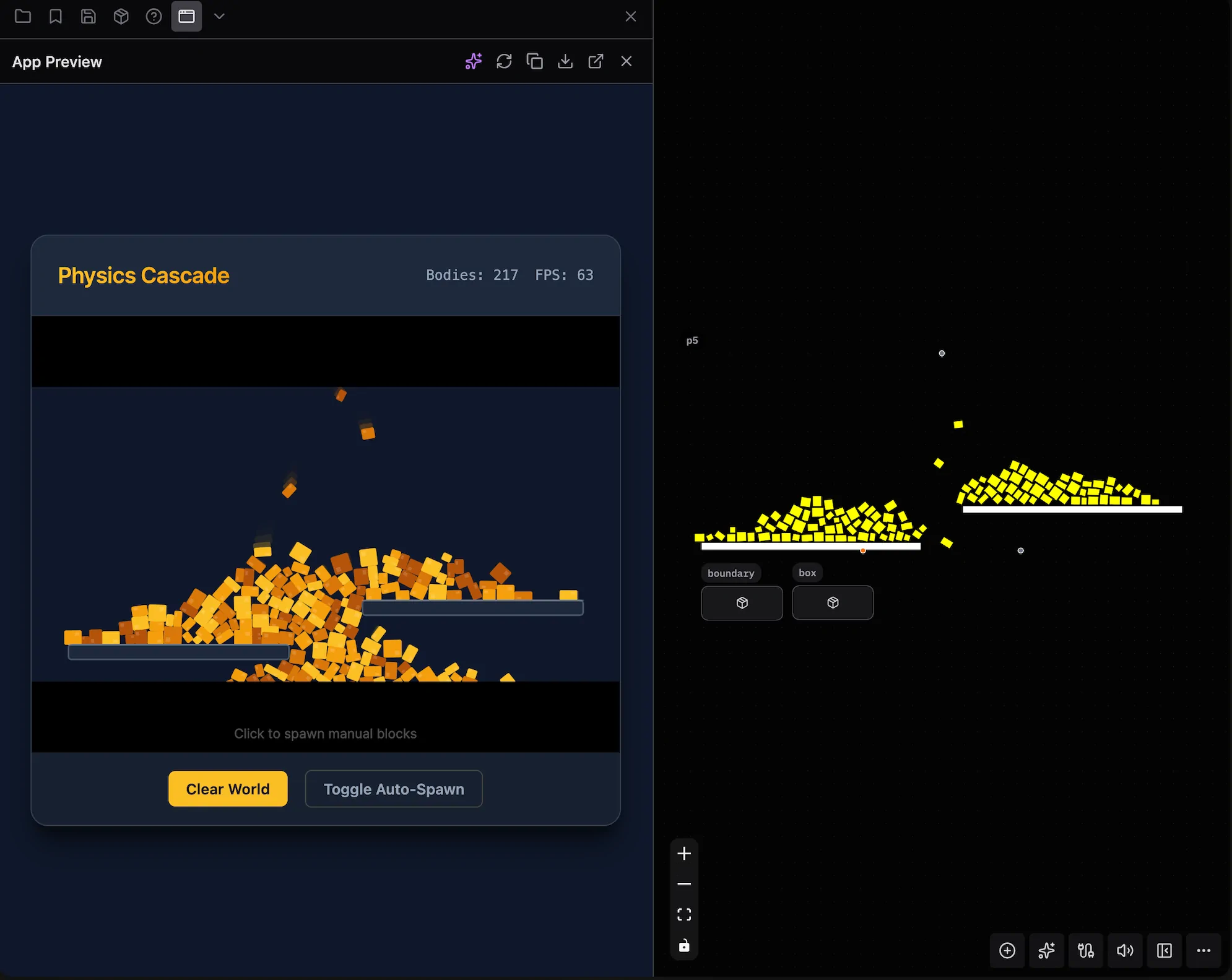
After Patchies generates the app, it appears in the sidebar preview tab. You can:
- View the live preview in an embedded iframe.
- Describe changes in natural language, such as "Make the background gradient" or "Add a reset button".
- Reload the preview.
- Export the HTML or Markdown specification.
- View the app in full screen.
Tips
- Click the 🎲 button to get example prompts.
- Edit the generated specification before you generate the app, if needed.
- Refine first takes more time, but it can improve the result.
- Use AI Edit to change the generated app without generating it again.
See Also
- Enabling AI — Turn on AI features and set up an API key.
- AI Edits — Use the inline AI prompt to create or edit objects.
- Chat — Ask Chat to inspect or change a patch.