Message Passing
Messages let Patchies objects exchange data. Draw a cable from one object's outlet to another object's inlet. The cable carries numbers, strings, bangs, and custom values.
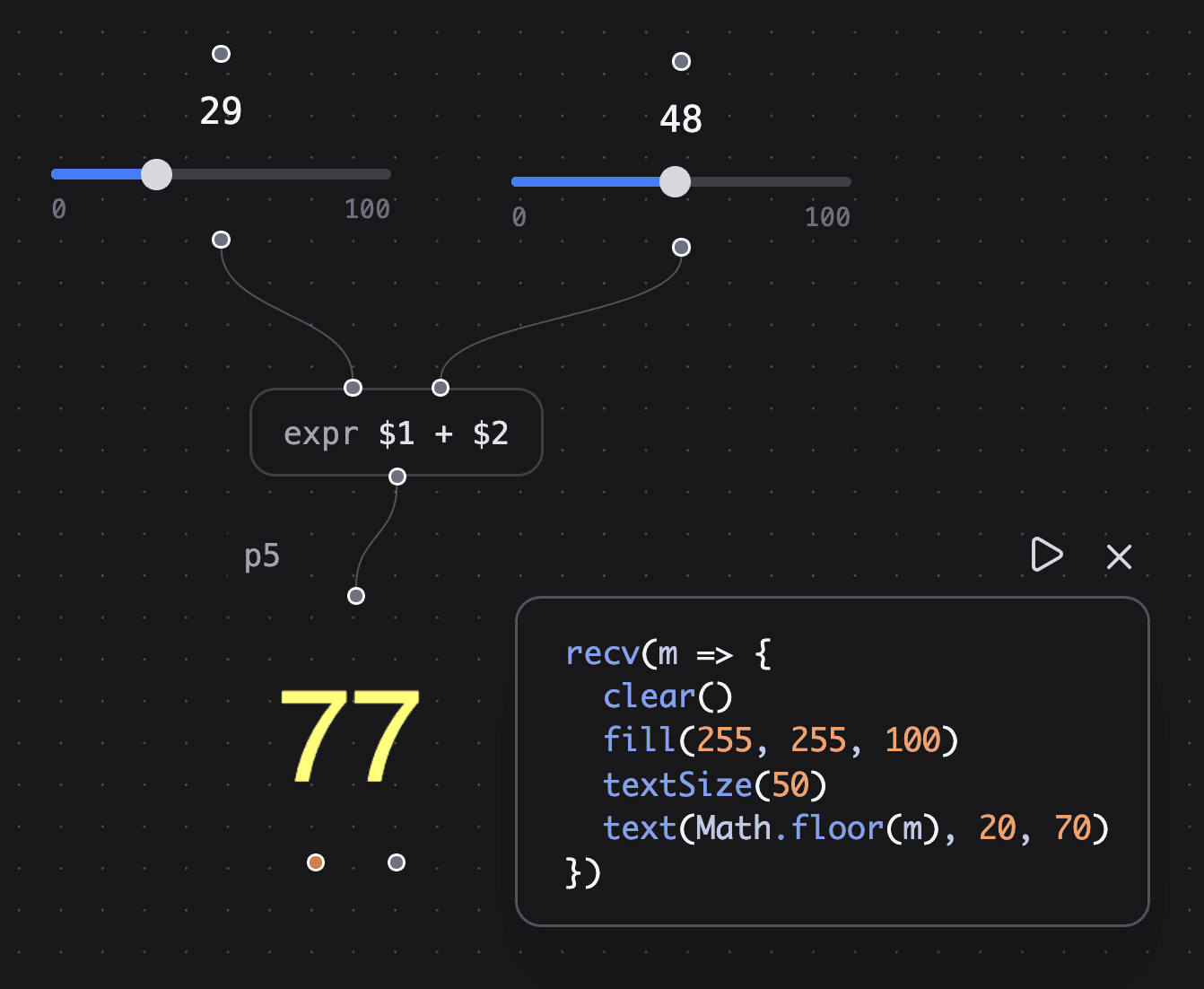
In this patch, two slider objects send values to expr $1 + $2. The object adds the values and sends the result to a p5 object.
Note: expr uses hot and cold inlets. Only the leftmost inlet (
$1) triggers output. Other inlets store a value until the hot inlet receives data.
Try It
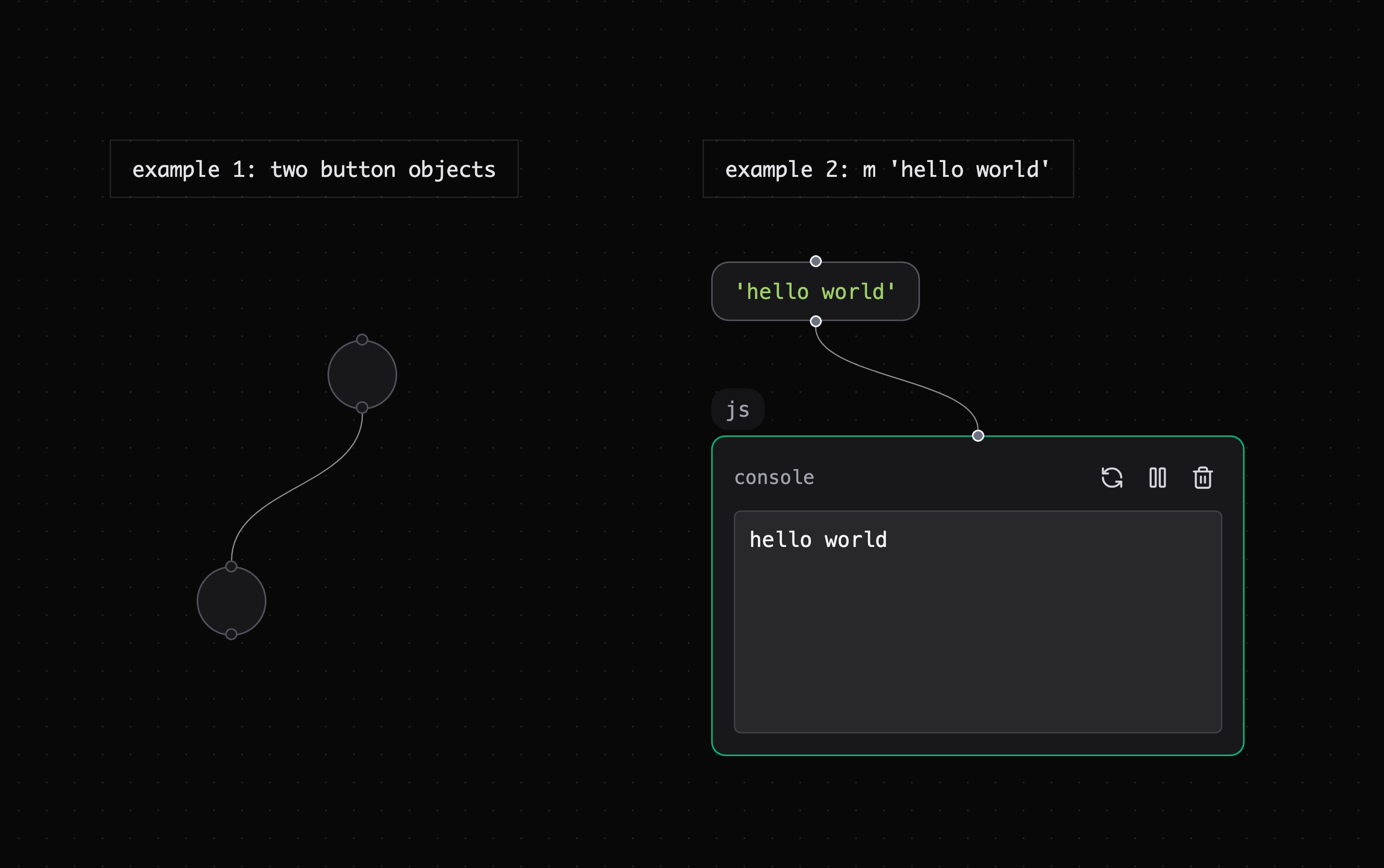
The example patch shows basic message connections.
✨ Open this patch to see message passing live.
Exercise 1 — Button chain
- Create two
buttonobjects (Enter→ typebutton). - Connect the first outlet to the second inlet.
- Click the first button. It sends a
bang, and the second button flashes.
Exercise 2 — Text message
- Create a
msgobject (Enter→ typem 'hello world'). Use the single quotes. - Find the
logger.jspreset and connectmsg→logger.js. - Click the message object.
'hello world'appears in the virtual console.
Message Types
Most Patchies messages are plain JavaScript values:
| Value | Example | When to use |
|---|---|---|
| Bang | { type: 'bang' } |
Trigger something, no data needed |
| Number | 42, 0.5 |
Sliders, knobs, sensor values |
| String | "hello" |
Text, commands, labels |
| Object | { type: 'note', pitch: 60 } |
Structured data with named fields |
The message box has a shorthand. Typing bang sends { type: 'bang' }. To send the literal string "bang", add quotes.
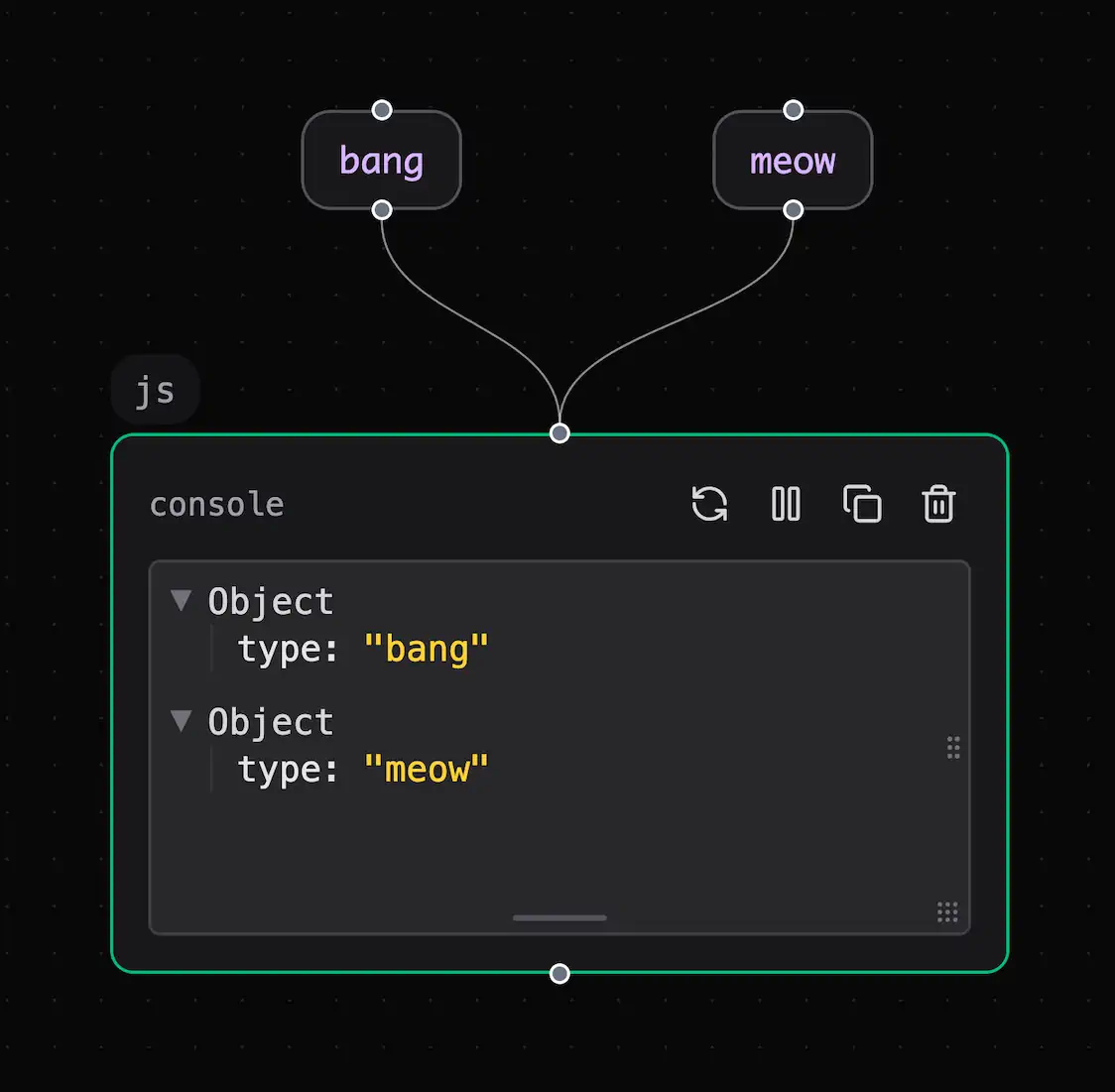
The message box treats bang as a message type unless you add quotes.
Sending & Receiving in JavaScript
Use send() and recv() in JS-enabled objects such as js, p5, canvas, and hydra:
// Send from one object...
send({ type: "bang" });
send(42);
send("hello");

// ...receive it in another
recv((data) => {
  console.log("Got:", data);
});
Tip: Add the
logger.jspreset and connect an object to it. It prints each incoming message in the virtual console.
See JavaScript Runner for the full API, including multiple inlets, outlets, named channels, and timers.
Named Channels (Wireless Messaging)
You do not always need a cable. Named channels let objects communicate across a patch. Use them when cables make the patch hard to read.
Create a send <name> object and a matching recv <name> object in the patch:
[button] → [send kick] [recv kick] → [p5]
Messages that arrive at a send kick inlet appear at every recv kick outlet. You do not need a cable.
Visual send and recv objects use the same channels as JavaScript send() and recv(). See JavaScript Runner for JavaScript syntax.
See Also
- JavaScript Runner — Use JavaScript message APIs and timers.
- Hot and Cold Inlets — Control when objects send output.
- Connecting Objects — Connect objects in a patch.
- Data Types — Learn handle types and connection rules.